

 Facebook
 X
XShipXplorer Feature: Bookmark Your Location!

The Image Above: The bookmark function on ShipXplorer.com!
Another unique feature of ShipXplorer.com is that you have the ability to bookmark certain locations to cater to your ship spotting needs.
This blog post will go into how you can use this feature to get underway with spotting certain ships within your area.
How Do I Use The Bookmarks Function?
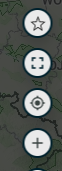
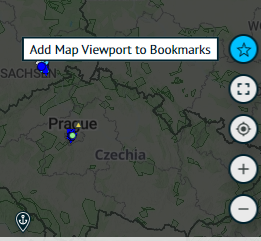
At the bottom right of your radar display, you can see a few small icons you can choose from.
To begin bookmarking certain locations, a star will be the top icon. When you drag your cursor over the button, it will come up with the message "Add Map Viewport to Bookmarks".
When you click that, it will add the current location that you are looking at. In the example above, you will see that it has added a bookmark for the general location of the United Kingdom with the exact coordinates you are viewing the radar display from.
It will then come up with a tick or a cross to confirm your bookmark choice. Be sure to click the tick button when you are happy with your location selection.
Once you have clicked the tick button, then the bookmark will save! And that is all you need to do!
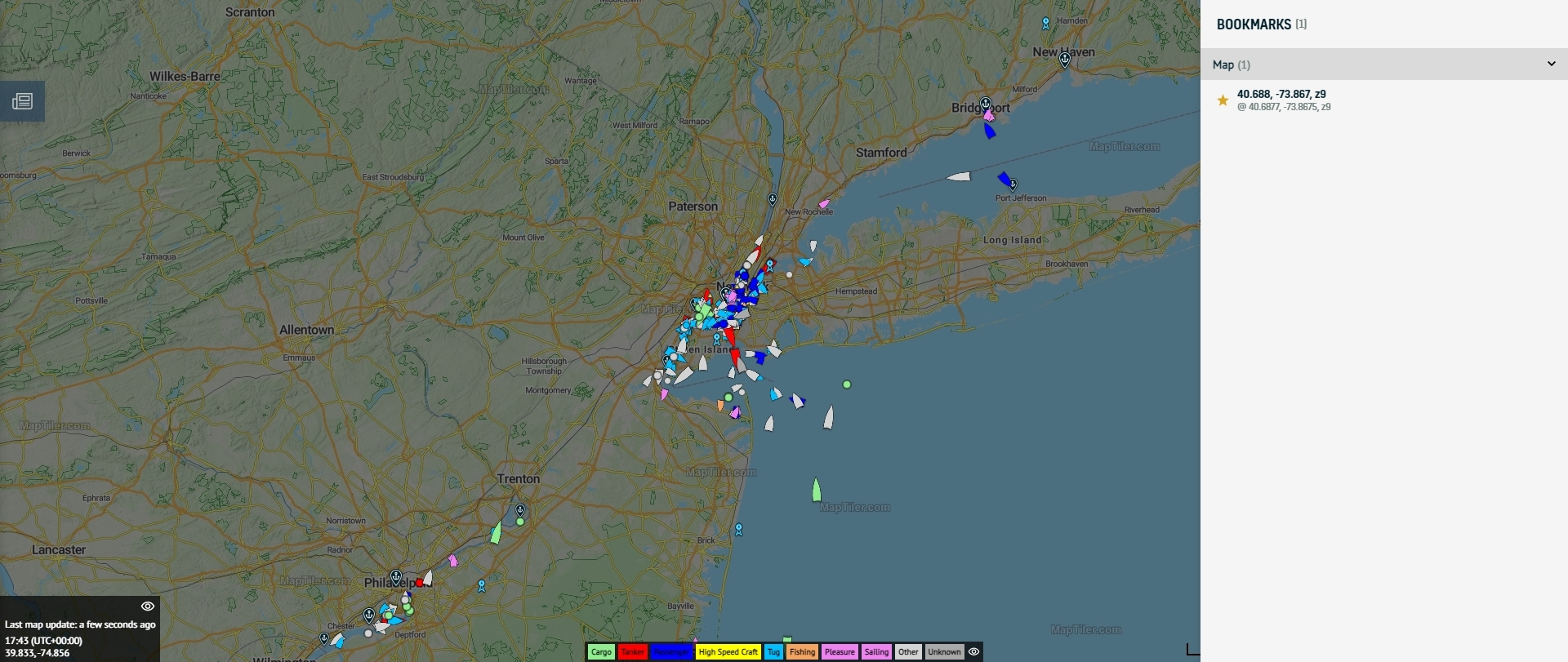
The image above shows another example of the location being bookmarked for the New York area!
Why not give it a try yourself? Visit ShipXplorer.com today to start bookmarking your locations!
READ NEXT...
- ais-dispatcher
- ais-hub
- shipxplorer
- ship-tracking
- ais-data
- ais-coverage
- blog
2026-03-24 17:05 UTCHow to share AIS data to ShipXplorer with AIS Dispatcher!
Did you know? You can now share AIS data with ShipXplorer? Read our blog to learn more!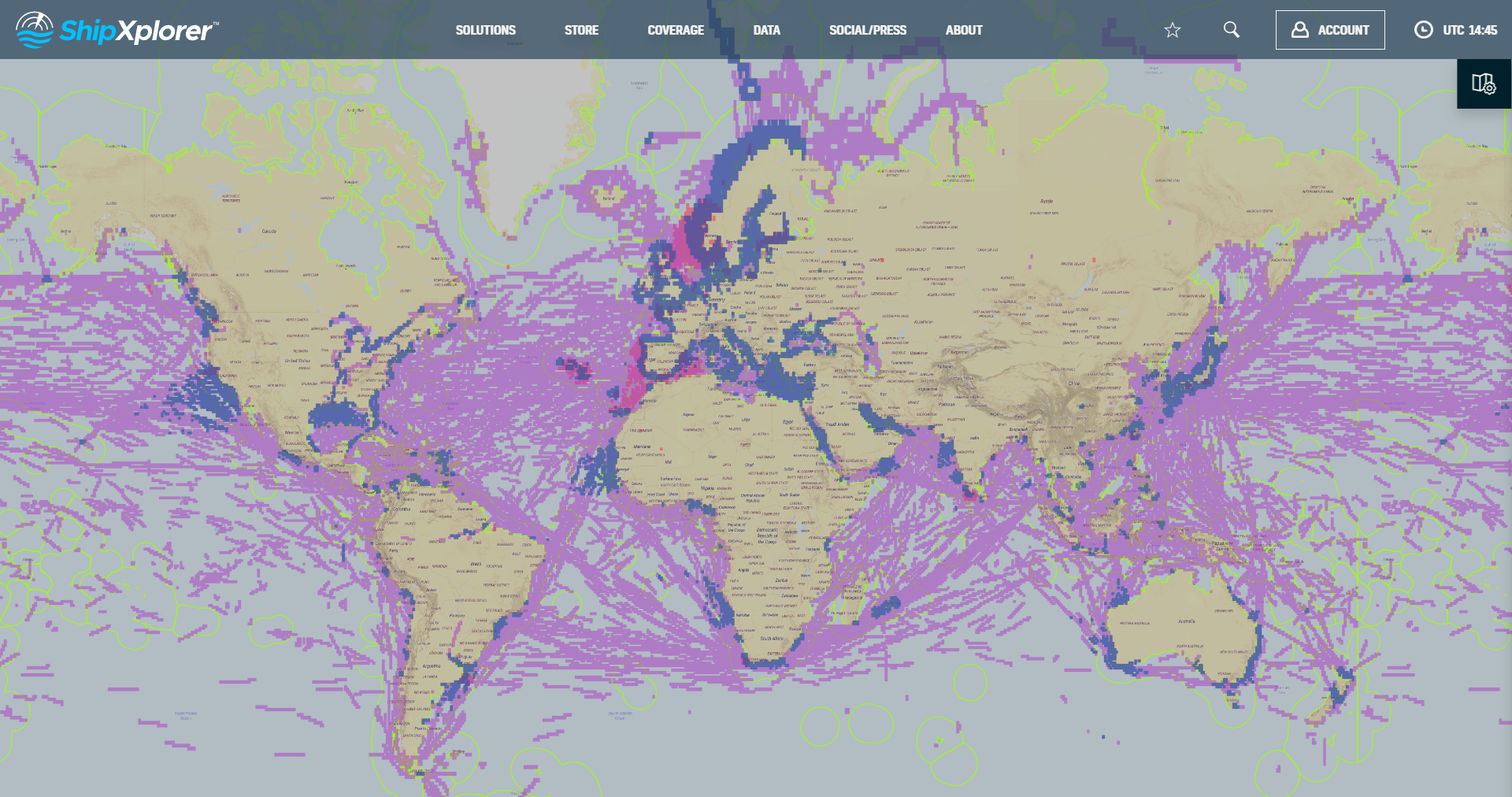
- shipxplorer
- ship-industry
- vessel-tracker
- ship-tracker
- ais
- hardware
- blog
2022-09-04 15:09 UTCSharing AIS data with ShipXplorer
Read our blog post and learn how to share AIS data and the benefits of being a ShipXplorer feeder.
- galveston
- texas
- usa
- ship
- shipxplorer
- blog
2023-05-23 14:33 UTCNew Carnival Cruise Ship Coming To Galveston Port This Year
Galveston Wharves Port is preparing for the arrival of Carnival Cruise Line's latest addition to its fleet, the Carnival Jubilee, by investing a remarkable $53 million in the expansion and upgrade of Cruise Terminal 25 at Galveston Wharves. Read more on our blog!